How To Stop Pop Up Ads

You know that moment. You’re just trying to check the weather, and suddenly a dancing clown is trying to sell you life insurance. Pop-up ads are the internet’s equivalent of a...
:max_bytes(150000):strip_icc()/blockpopupsedge-9392d971ca1841a1aa9135c84d45468e.jpg)
You know that moment. You’re just trying to check the weather, and suddenly a dancing clown is trying to sell you life insurance. Pop-up ads are the internet’s equivalent of a telemarketer calling during dinner—annoying, invasive, and completely unwelcome.
But here’s the good news: You don’t have to live with them. Think of your browser like your living room. You wouldn’t let a stranger walk in and shout at you while you’re reading the paper, right? So why let pop-ups do it online?
Your First Line of Defense: The Pop-Up Blocker
Most modern browsers—like Chrome, Safari, or Firefox—already have a built-in pop-up blocker. But here’s the trick: it’s often off by default or set to block only the worst ones. You need to turn it on properly.
Must Read
Imagine it like putting a screen door on your house. It keeps out the bugs (ads) but still lets the breeze (content) through. Go into your browser’s settings, search for “pop-ups,” and slide that toggle to “block.” It takes ten seconds and changes everything.
The Secret Weapon: An Ad Blocker Extension
If the built-in blocker is a screen door, an ad blocker extension is like hiring a bouncer for your computer. These little programs (uBlock Origin is a great free one) zap pop-ups before they even load. They’re easy to install and work silently in the background.
:max_bytes(150000):strip_icc()/002-block-browser-pop-up-windows-4108710-87ee5464f81d40bb806fc2aa841bc4b3.jpg) How to Block Pop-Up Ads in Your Web Browser
How to Block Pop-Up Ads in Your Web Browser
I added one a year ago, and now my internet feels like a spa day. No flashing “YOU WON!” banners. No video ads that follow me from page to page. Just pure, clean browsing. You deserve that calm, too.
Don’t Click That “X” Button
Here’s a sneaky trick pop-ups use: they hide a real “X” button inside a giant fake one. You click what you think is “close,” and bam—you just signed up for a newsletter about cat food. Instead, never click inside the ad itself.
Use your browser’s own tools. On a Mac, hit Command + W to close the current tab. On a PC, hit Ctrl + W. It’s like a remote control for your annoyance—one button, and the ad disappears without a trace.
:max_bytes(150000):strip_icc()/003_stop-pop-up-ads-android-4177859-b5cc74982db9450aae573594ee8d856b.jpg) How to Stop Pop-Up Ads on Android
How to Stop Pop-Up Ads on Android
Check Your Cookie Crumbs
Pop-ups often target you because websites track where you’ve been online. It’s like a nosy neighbor peeking into your shopping cart. You can stop this by clearing your cookies or using “private browsing” mode (called Incognito in Chrome).
Set your browser to always block third-party cookies in settings. Suddenly, ads stop following you from site to site. It feels like you’ve put on a digital invisibility cloak—and who doesn’t love that?
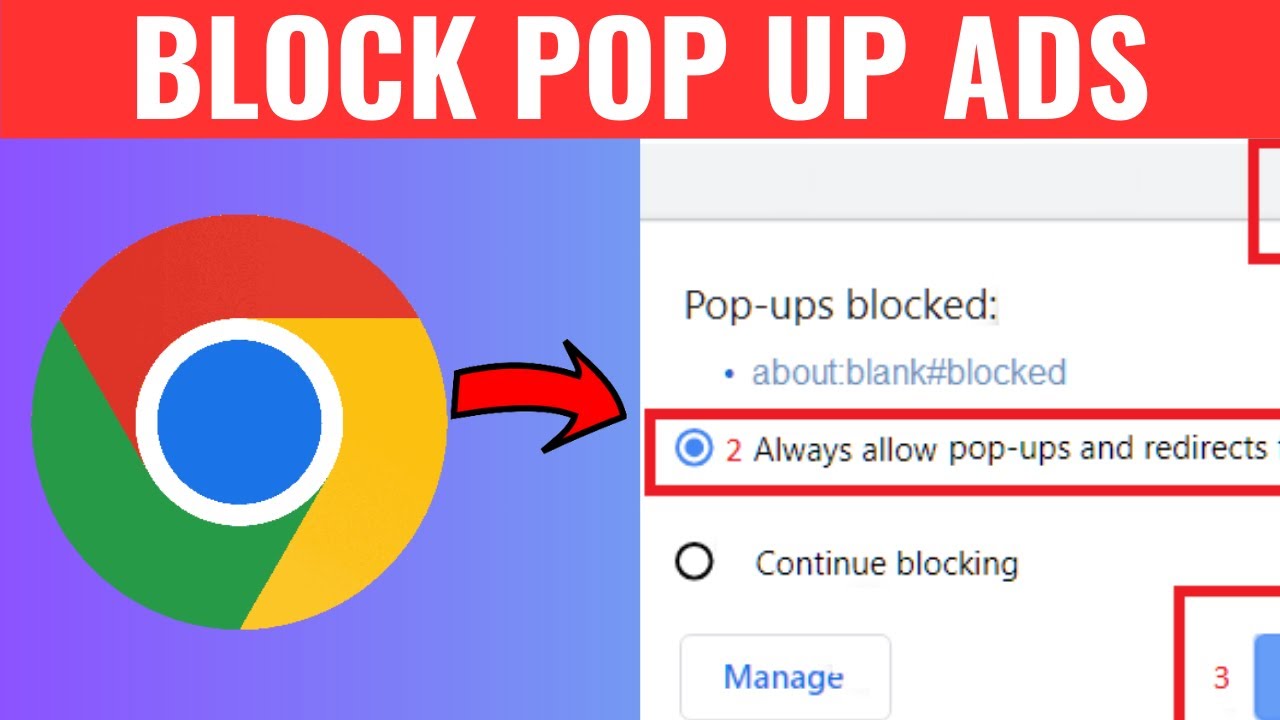 How To Block Pop Up Ads On Chrome - YouTube
When All Else Fails, Get a New Browser
Some browsers are designed to hate pop-ups as much as you do. Brave Browser and Firefox Focus block ads by default. Switching to one of these is like moving from a noisy street to a quiet library—instant peace.
You download it, install it, and suddenly your internet is fast, clean, and ad-free. It’s so refreshing that you’ll wonder why you didn’t switch sooner. Try it for just one day; your blood pressure will thank you.
Pop-ups are the uninvited guests of the internet. They’re rude, pushy, and they never bring snacks. So take back your space. Block them, close them, and browse free. Your future, calmer self is waiting.
:max_bytes(150000):strip_icc()/blockpopupsedge-9392d971ca1841a1aa9135c84d45468e.jpg&description=How+To+Stop+Pop+Up+Ads)