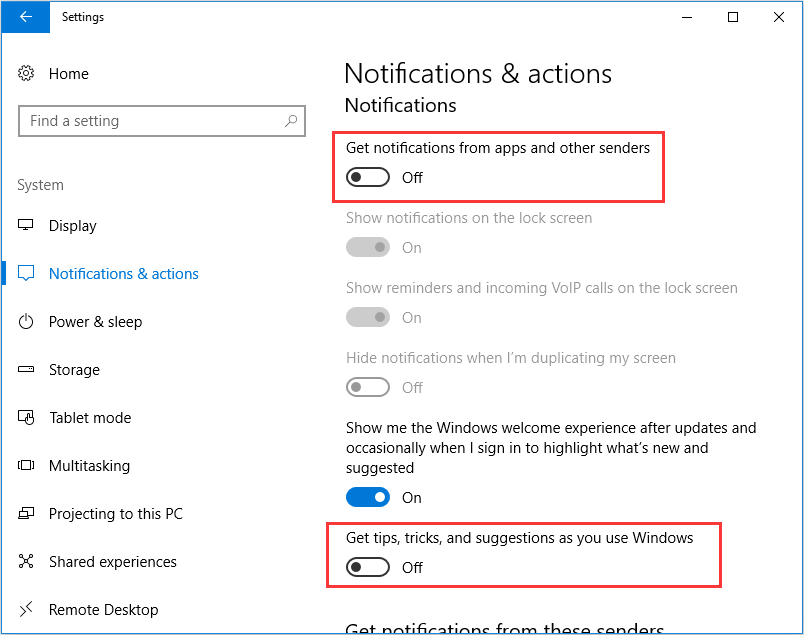
How To Stop Popups

Let’s be honest: popups are the digital equivalent of a mosquito buzzing in your ear at 3 a.m. They’re annoying, they’re persistent, and they have a terrible sense of timing....

Let’s be honest: popups are the digital equivalent of a mosquito buzzing in your ear at 3 a.m. They’re annoying, they’re persistent, and they have a terrible sense of timing. You’ll be reading a perfectly good article about llamas, and suddenly—BAM!—a window screaming about “hot singles in your area” or a “free iPhone” you definitely don’t need. It’s time to fight back, and I’m your sassy, caffeine-fueled guide.
First, a shocking fact
Did you know that popups have been around since 1996? That’s older than most of the apps on your phone. Back then, they were invented by a guy named Ethan Zuckerman, who later apologized for the “internet’s worst crime.” Too late, Ethan. Now, there are over 200 billion popups served every single day—that’s 25 per person on Earth. We’re living in a popup apocalypse, my friends.
Step one: Your browser is a bouncer
Every modern browser—Chrome, Firefox, Safari—has a built-in popup blocker. Think of it as a digital bouncer who isn’t afraid to toss out sleazy ads. On Chrome, click the three dots in the top-right, go to “Settings,” then “Privacy and Security,” and find “Site Settings.” Flip the switch for “Pop-ups and redirects” to Blocked. Boom—you’ve just fired 99% of internet hucksters. Safari users: go to “Preferences” and check “Block pop-ups.” Firefox? Same deal, just look for the shield icon.
Must Read
Step two: The sneaky browser extension
Sometimes popups are like ninjas—they slip past the bouncer. That’s where extensions like uBlock Origin come in. It’s free, it’s ruthless, and it blocks everything: popups, autoplay videos, and those “subscribe to our newsletter” banners that follow you like a clingy ex. Install it in two clicks, then watch your browsing turn into a zen garden. One warning: you might accidentally block the one popup you want, like a 50% off coupon for pizza. But let’s be real—you don’t need more pizza.
Step three: The “X” button is a trap
Have you ever clicked a tiny “X” on a popup, only to be blasted open by five more windows? That’s called a clickjacking attack. The X is a liar. Instead, use the keyboard shortcut Ctrl+W (or Command+W on a Mac) to close the entire tab. It’s the surgeon general’s warning for popups: “Do not trust the X.” If that fails, press Alt+F4 to close the whole browser—but only as a last resort. That’s like setting your house on fire to kill a spider.
 How to Block Pop-ups in Microsoft Edge, Chrome and Firefox
Step four: The nuclear option—ad blockers
If popups are still winning, install a dedicated ad blocker like AdBlock Plus or Ghostery. These apps are the equivalent of wrapping your phone in a tinfoil hat. They sniff out hidden trackers and malicious scripts before they even think about popping up. Fun fact: Google makes 90% of its revenue from ads, so every time you block one, an executive somewhere sighs into their latte. You’re welcome, capitalism.
Step five: Don’t feed the trolls
Never, ever enter your email or phone number into a popup. That “you won a free cruise” offer is a scam, and the only thing you’ll win is a lifetime supply of spam calls. My aunt once clicked a popup offering “free kittens.” She now gets voicemails in Mandarin about her car’s extended warranty. To stop this nonsense, use a throwaway email for sketchy sites—like “ihatetheinternet@trashmail.com.” It works, and it’s cathartic.
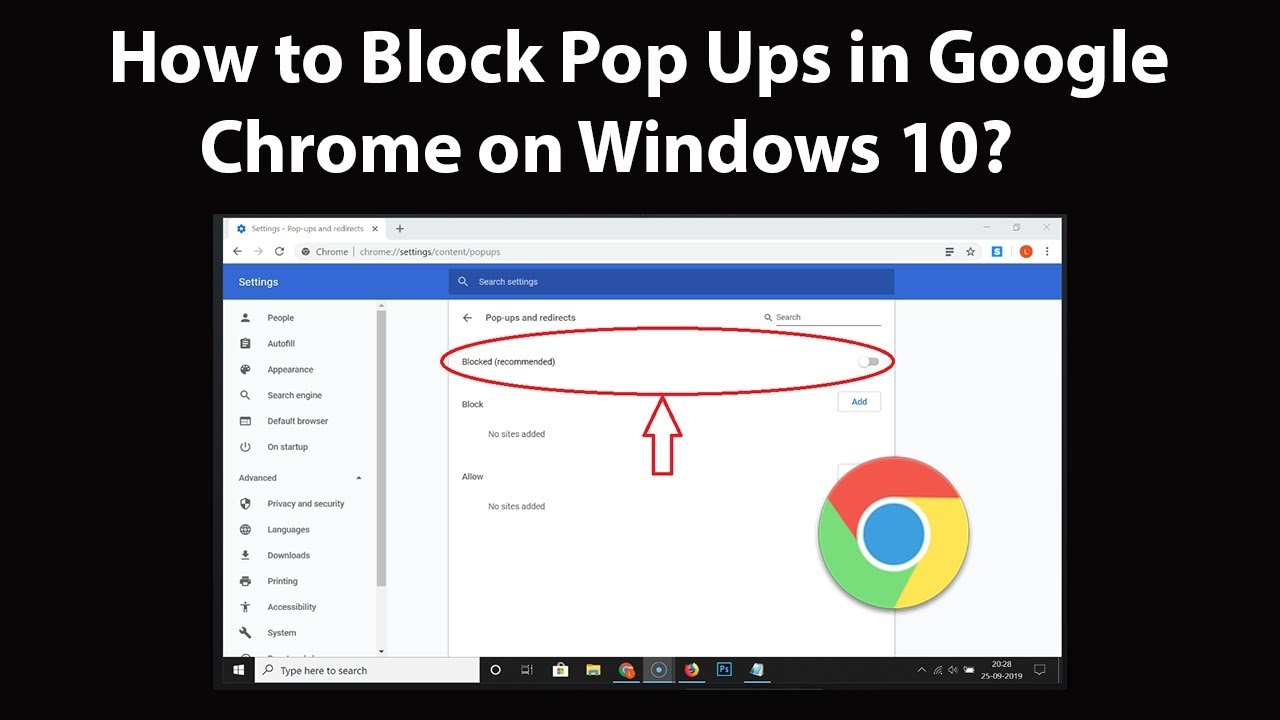 How Do I Stop All The Popups On My Computer / How To Block Pop Ups In
Step six: The last resort—reset your brain
Sometimes popups aren’t from the website; they’re from malware living on your computer. If you’re seeing popups while offline, you have a serious case of digital fleas. Run a scan with Malwarebytes or your antivirus. If that fails, back up your photos and nuke the whole hard drive from orbit. Just kidding. But you should probably cry for an hour first, then seek professional help.
So there you have it. No more popups, no more existential rage, no more accidentally clicking on a “hot singles” ad in front of your mom. Now go forth and browse in peace. And if you still see a popup? Throw your laptop out the window. It won’t fix the problem, but oh boy, it feels amazing.